
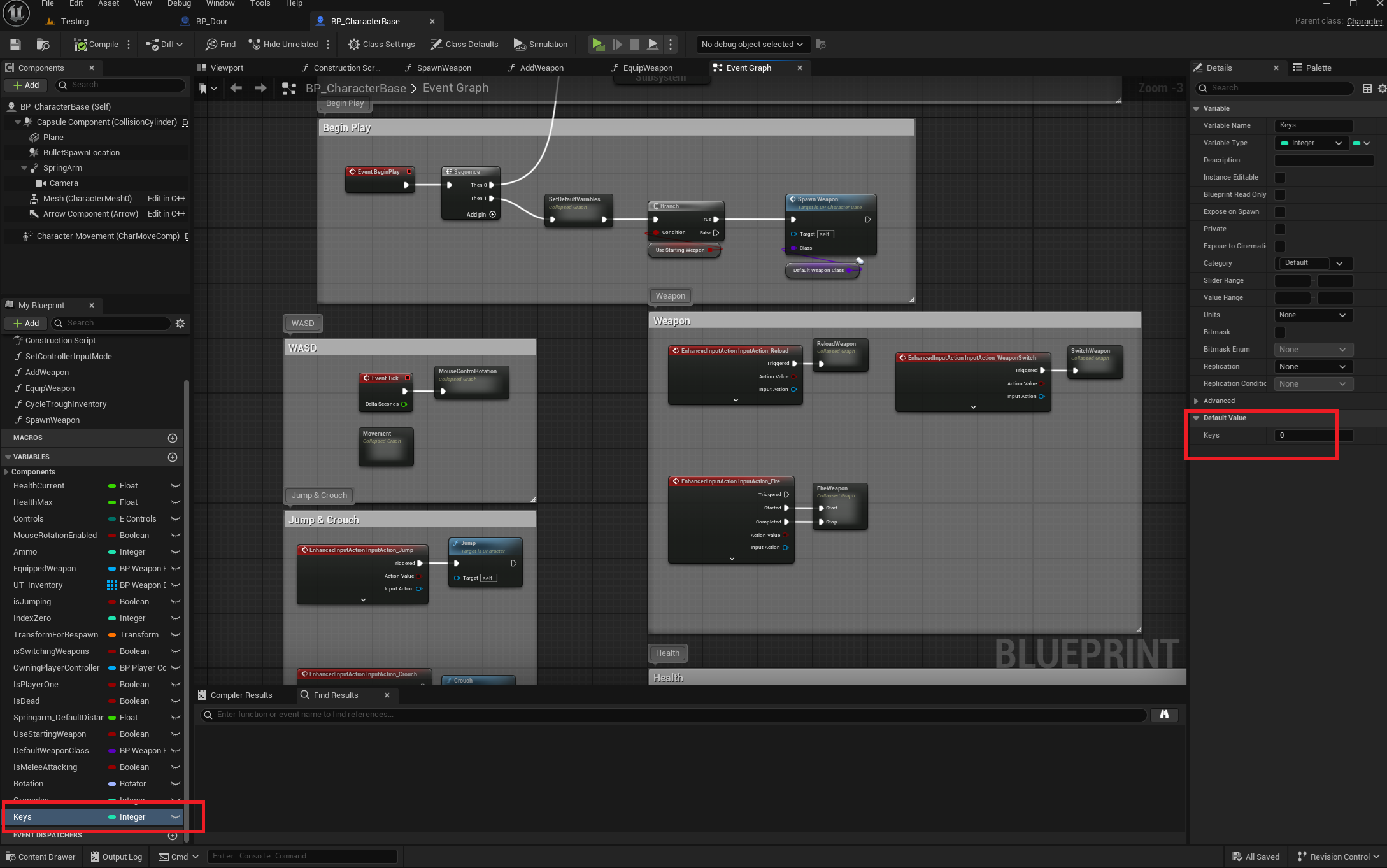
1. Add a new integer variable to BP_CharacterBase, make its default value 0
2. Create a new blueprint (BP_Key)
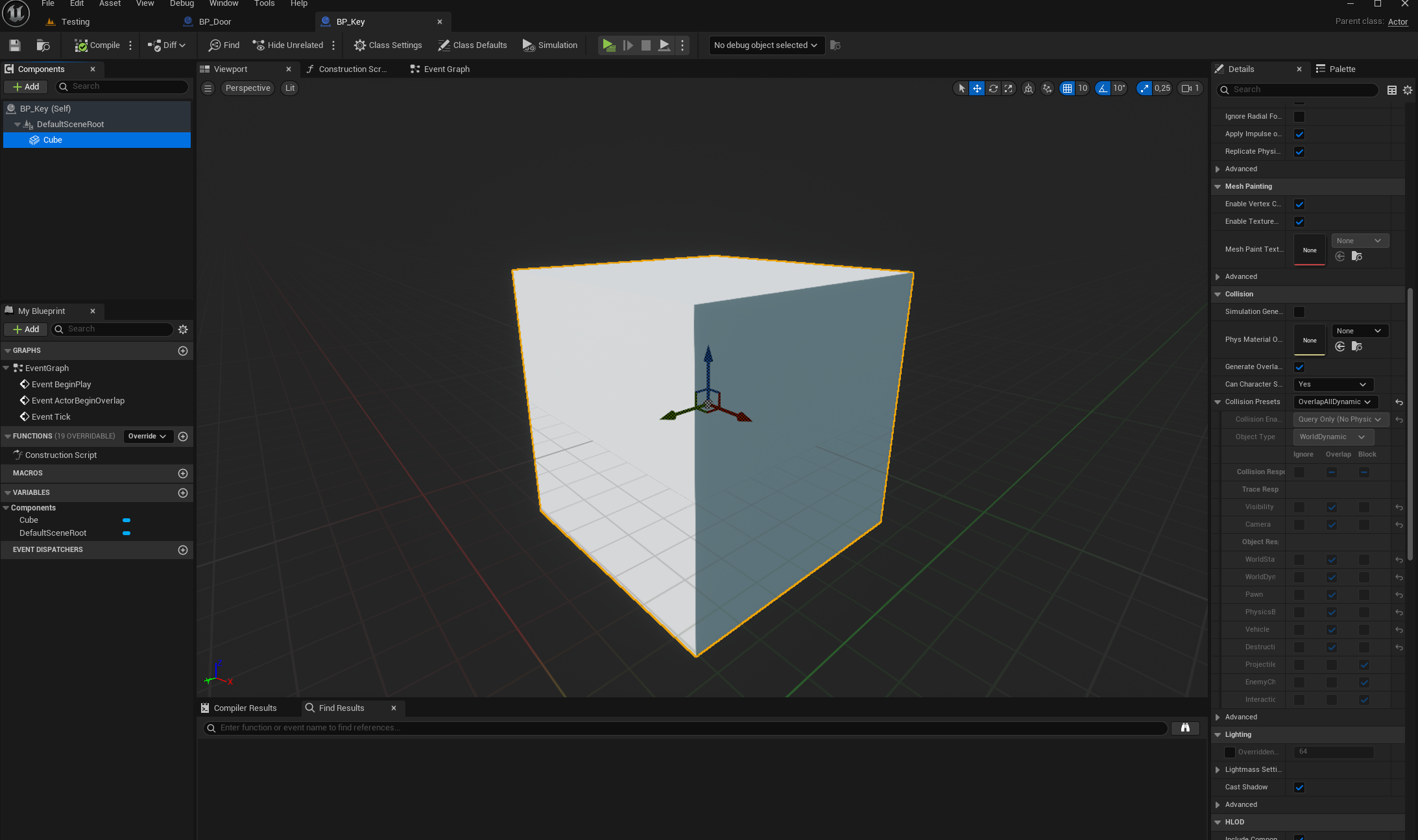
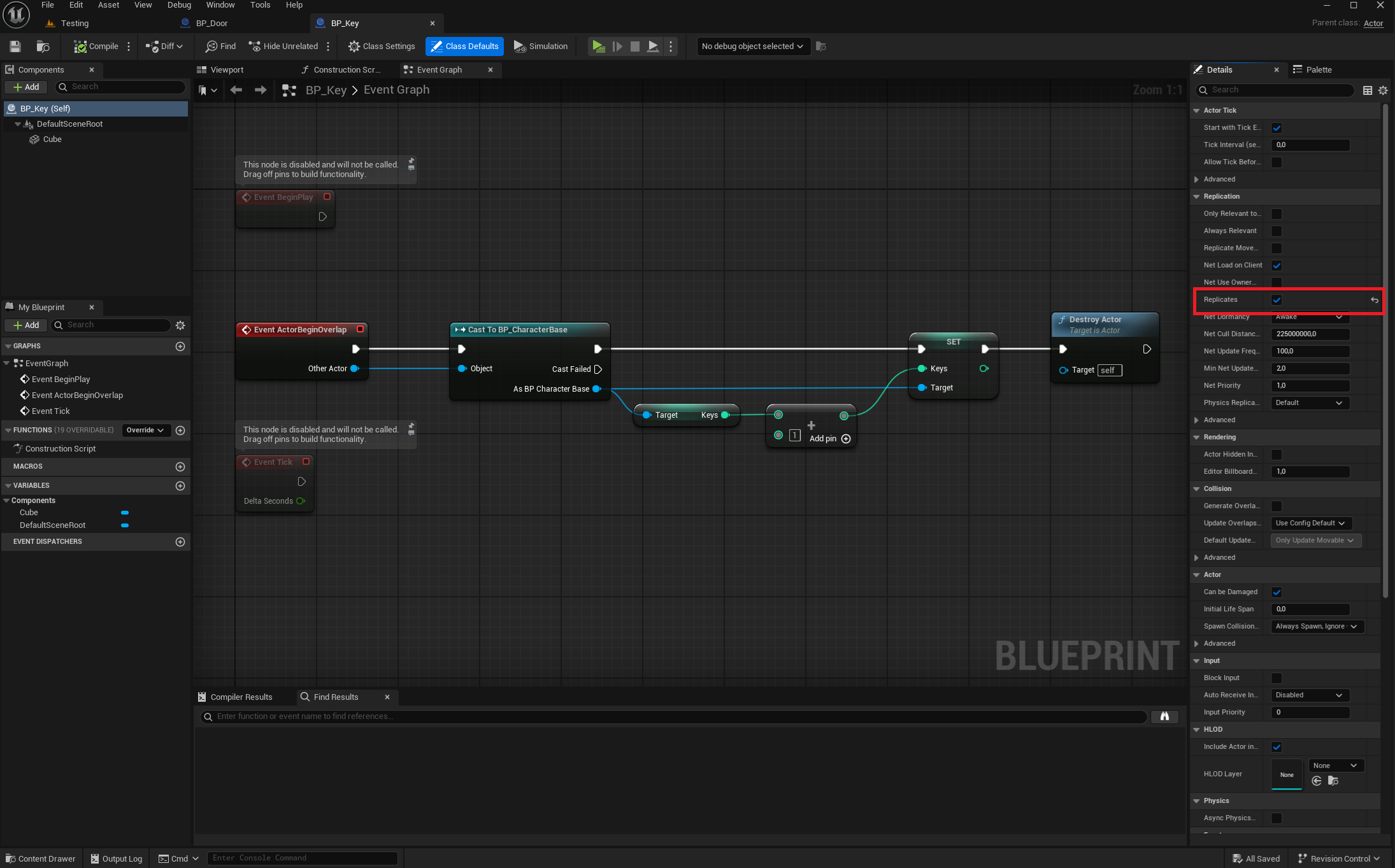
Add a static mesh component to it and make its collision OverlapAllDynamic and set it to “Replicates” in its Class Defaults, then recreate the blueprint like in the image bellow.
3. Create another blueprint (BP_Door)
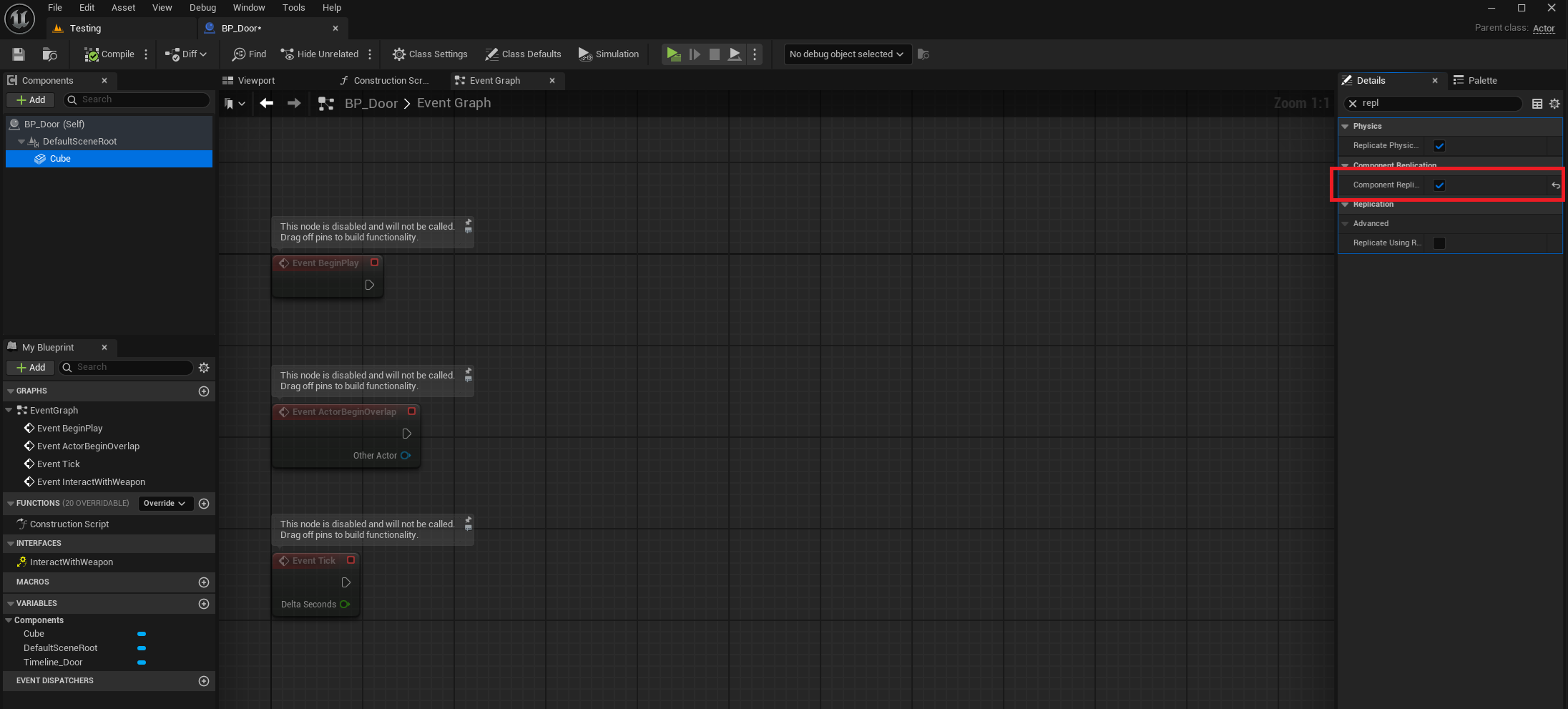
Set it also to Replicates and Replicate Movement
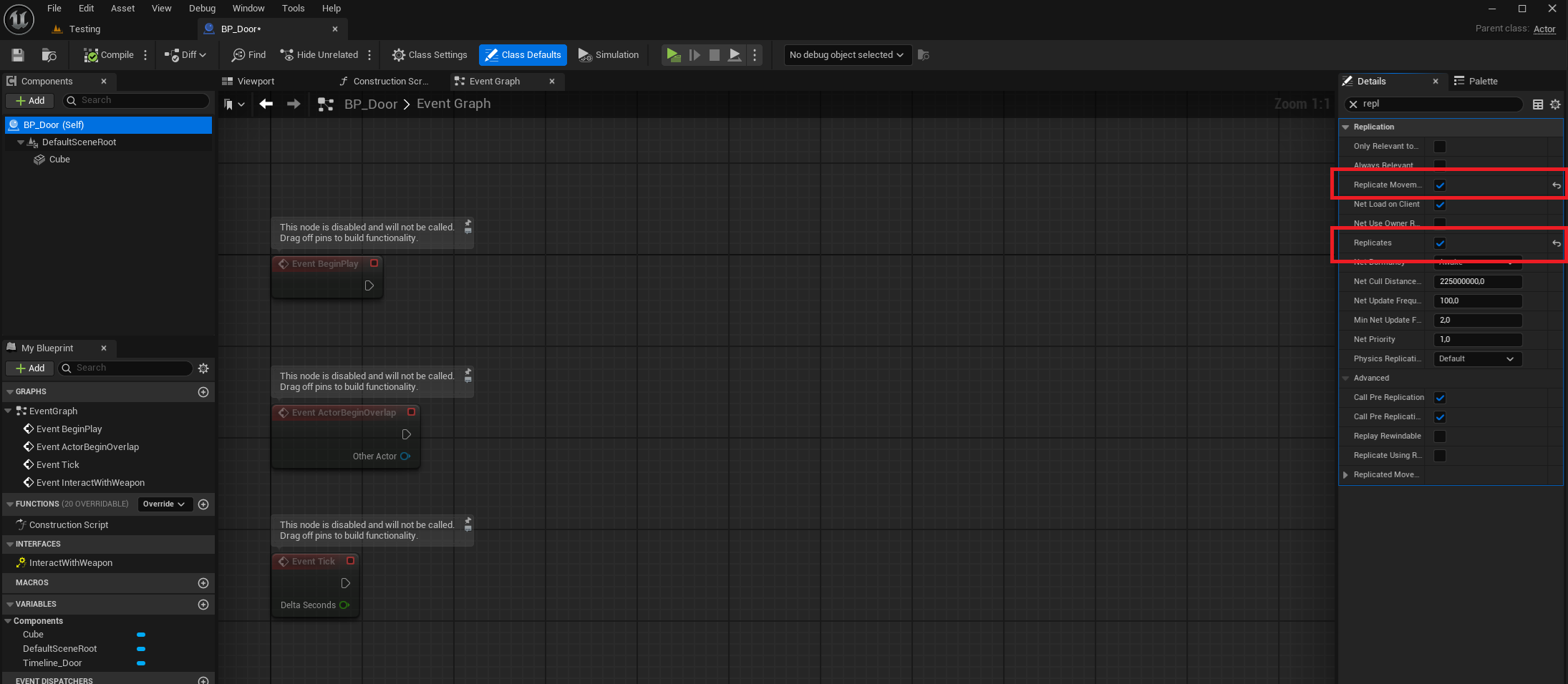
Add a static mesh component and also set it to Replicate
Add the Interact interface to it and recreate the blueprint bellow
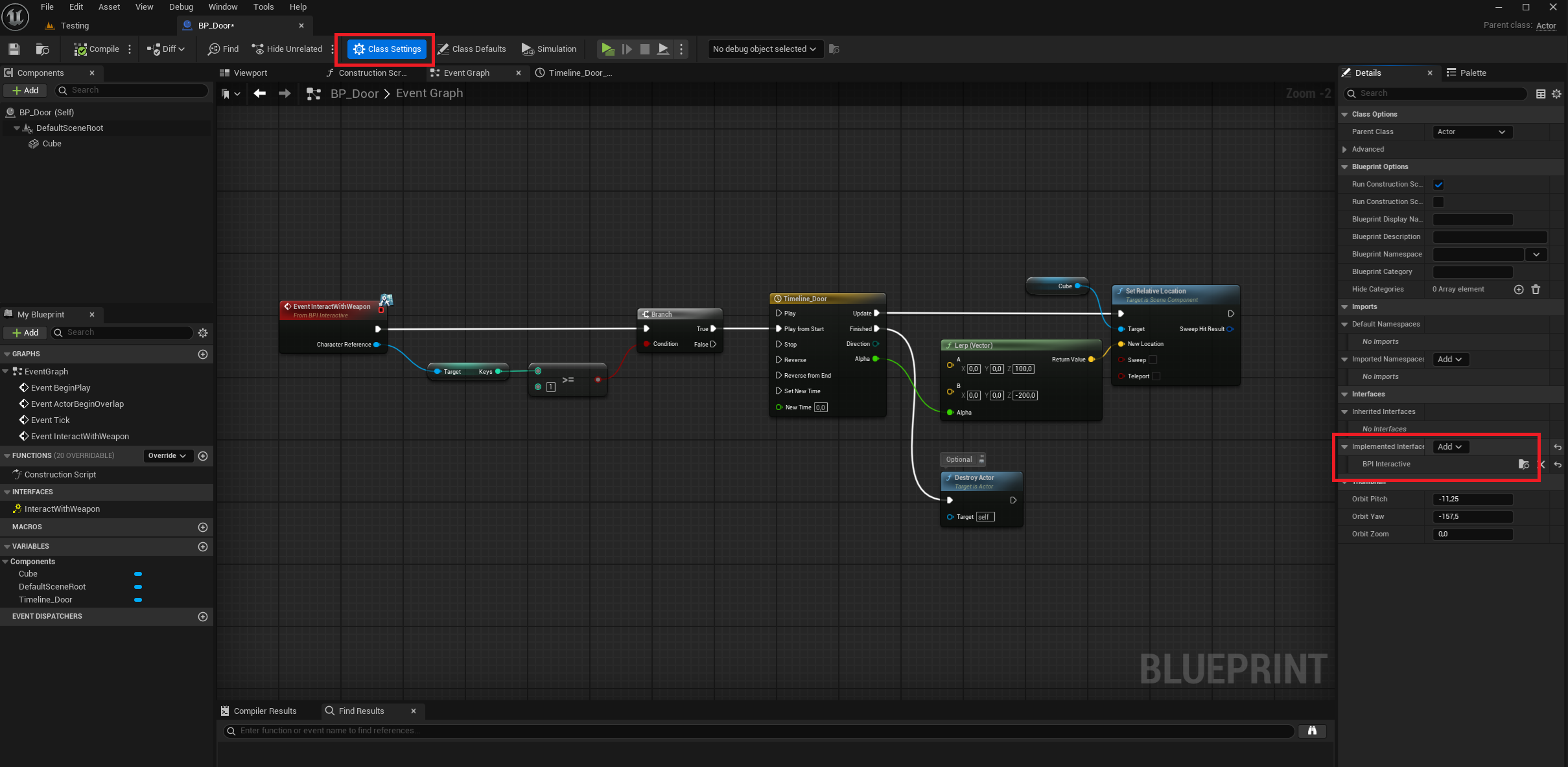
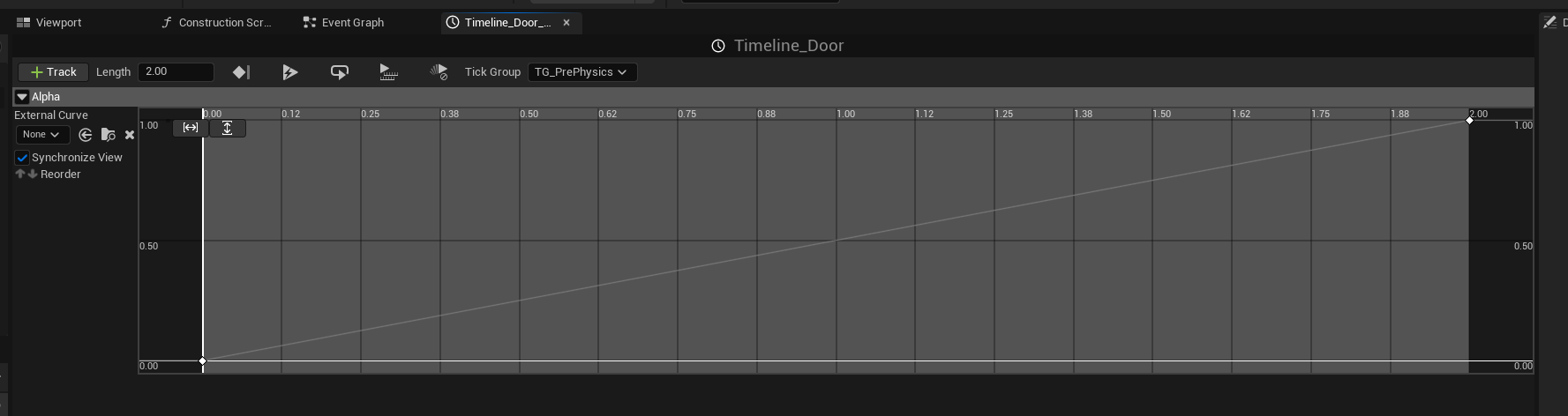
That’s it!
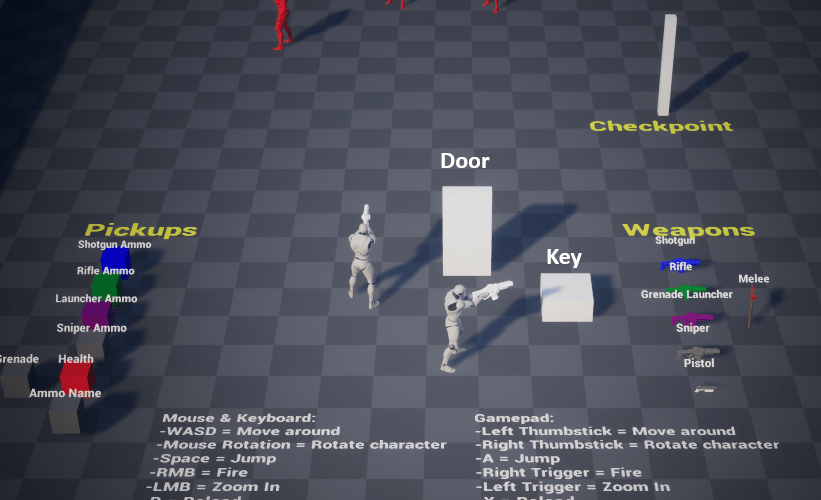
The door will open when you pick up the key (the player that picks it up can get to the door and press E to interact in order to open it, distance is the trace from the interaction event like weapons).
 FPS Game Starter Kit