
As part of the free for the month of August collection, Footsteps Sounds with Blueprints Setup is currently available for free. In this tutorial we will integrate it into FPS Game Starter Kit.
Official documentation for Footsteps Sounds with Blueprints Setup can be found here.
1. Create a new FPS Game Starter Kit project
2. Add Footsteps Sounds with Blueprints Setup to it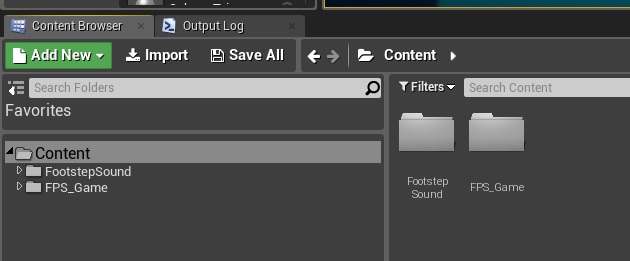
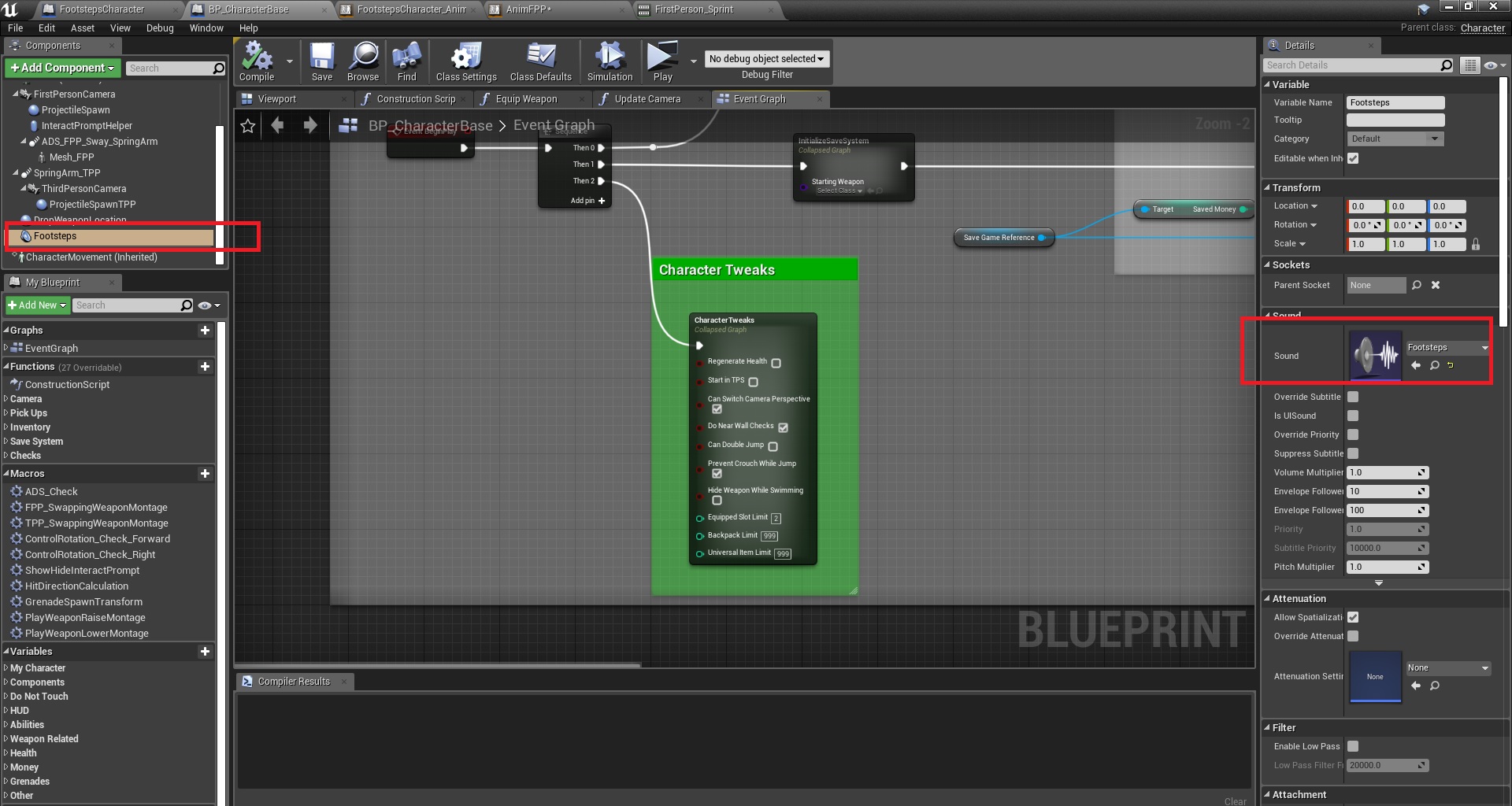
3. Open BP_CharacterBase and add an Audio component to it, set it to be the “Footsteps” cue
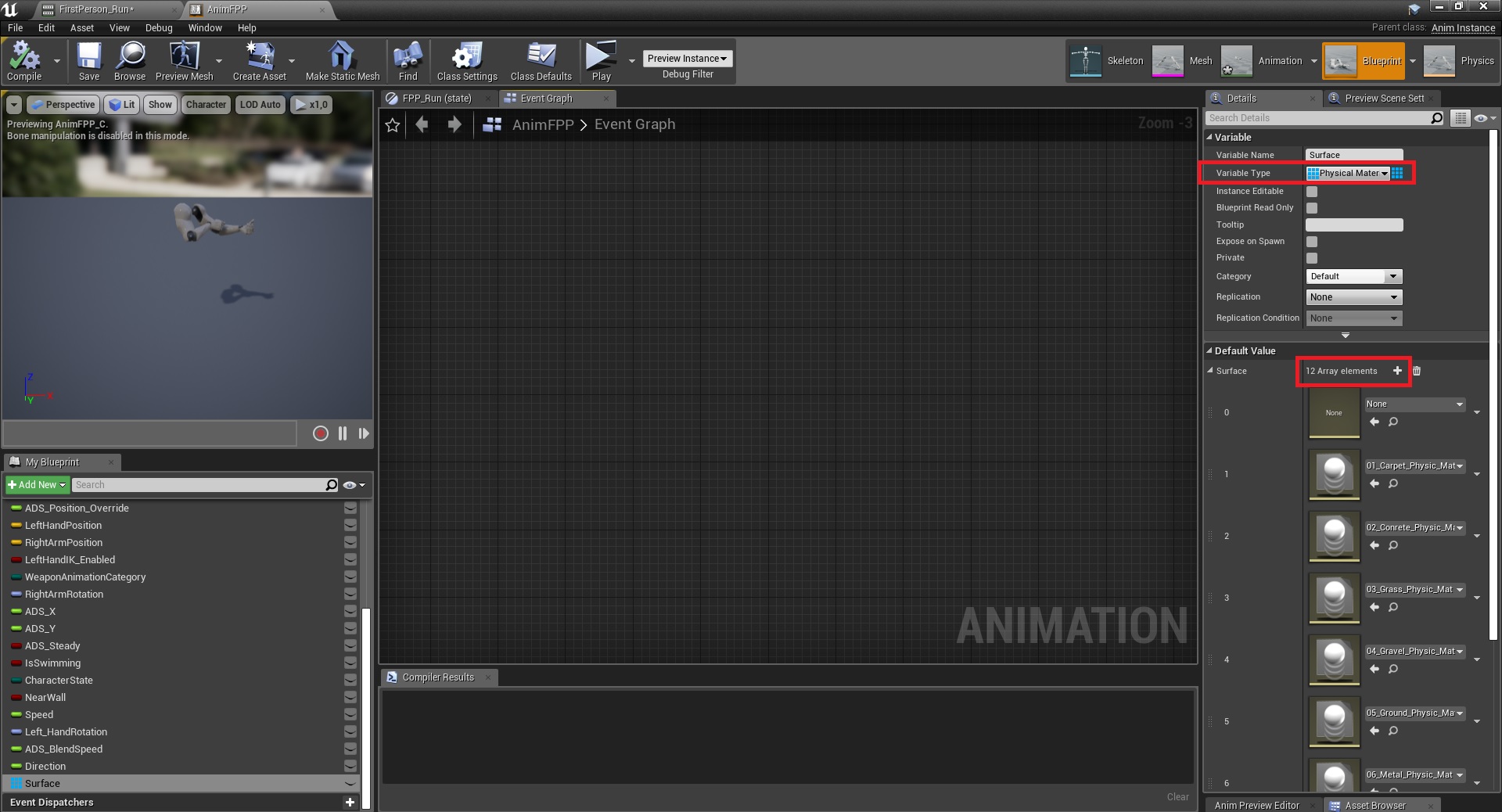
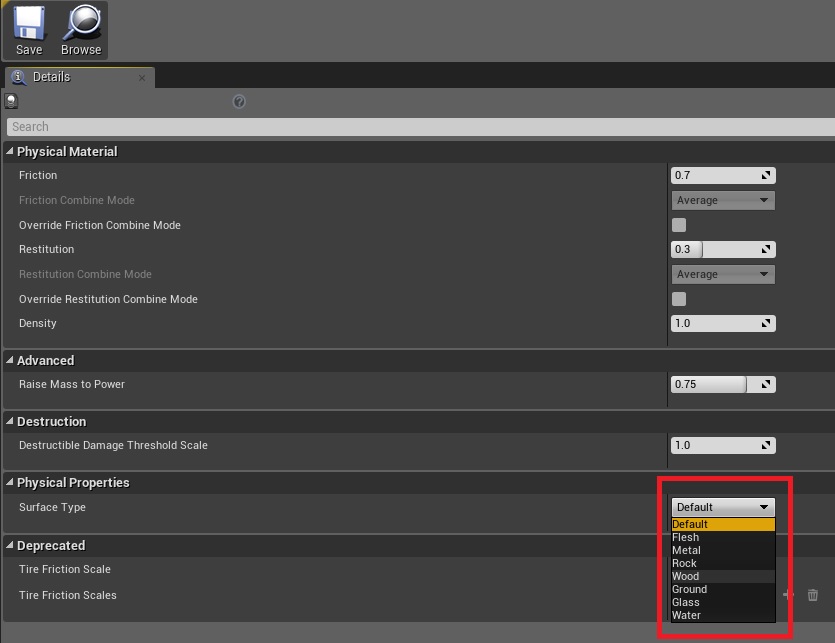
4. Open AnimFPP (animation blueprint) and create a new physics material variable, make it an array and add 12 elements to it
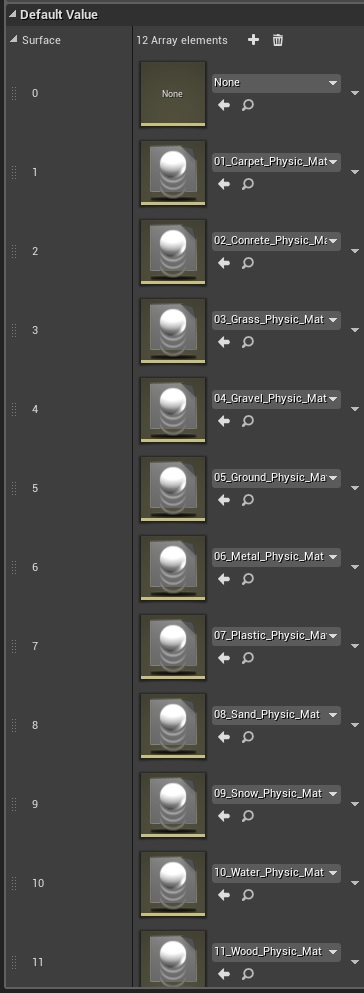
You can double check if those new physics materials match the surface types that are used for projectiles (more info about those)
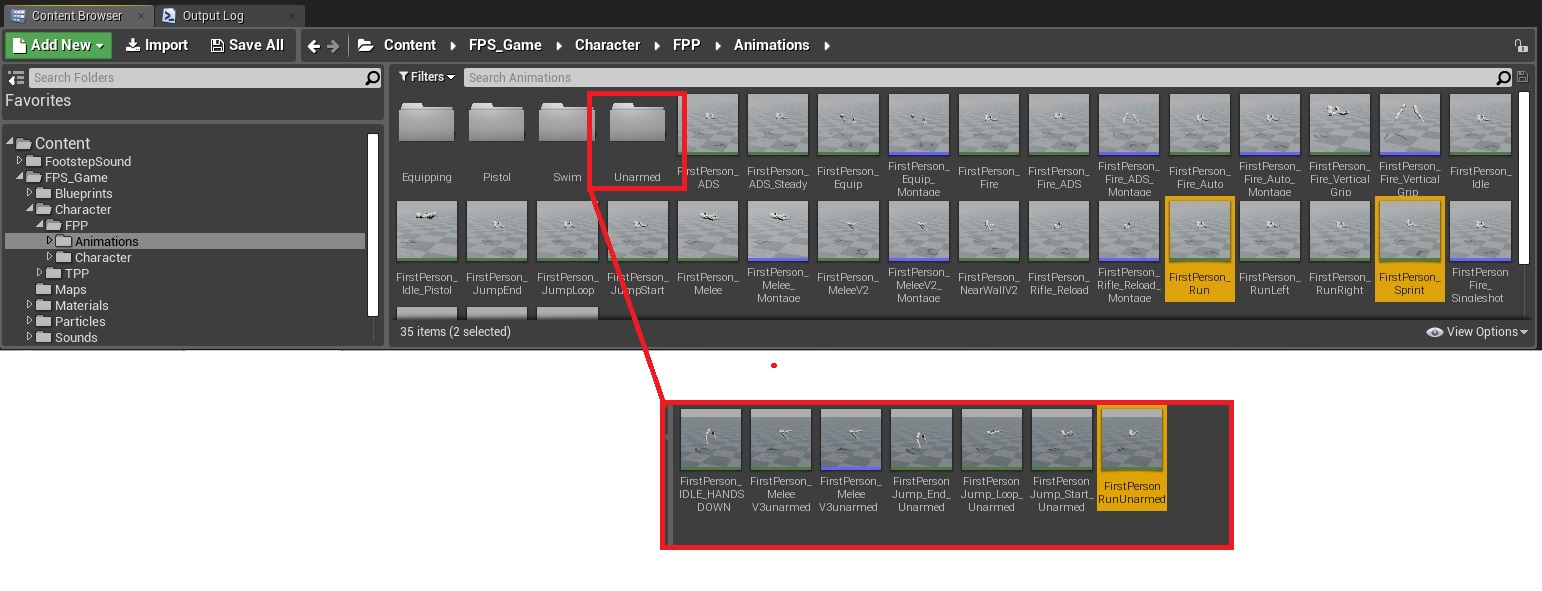
5. Locate the animations you want the sounds to be played, as an example I only added them to these, but you can add it to any animation.
6. Open each of them and add a New Notify, call it step
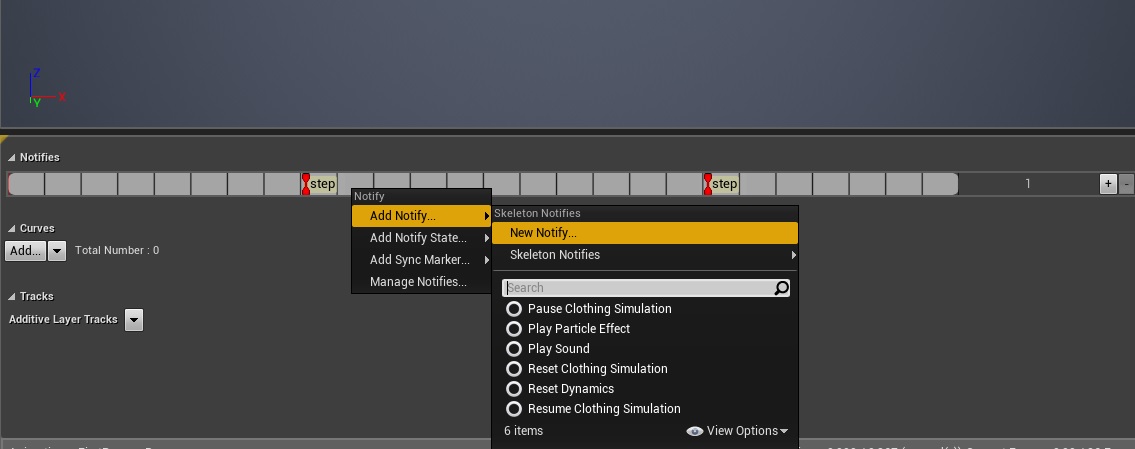 If there is already a sound notify, you can delete it.
7. Create this inside the same AnimBP

NOTE: this is a simplified version, just to get it to play the sounds, for a more detailed example, see the AnimBP that comes with Footsteps Sounds with Blueprints Setup.
That’s it!
8. Optional, but in order to demonstrate how to use it in your project, add the Starter Content to it
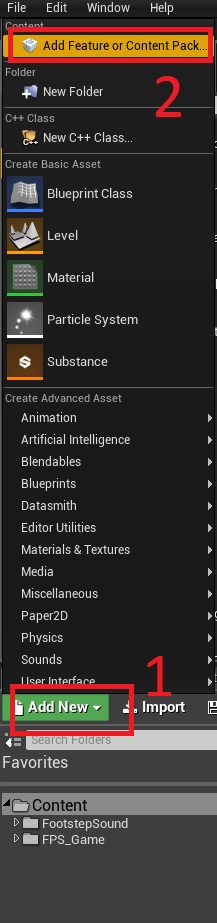
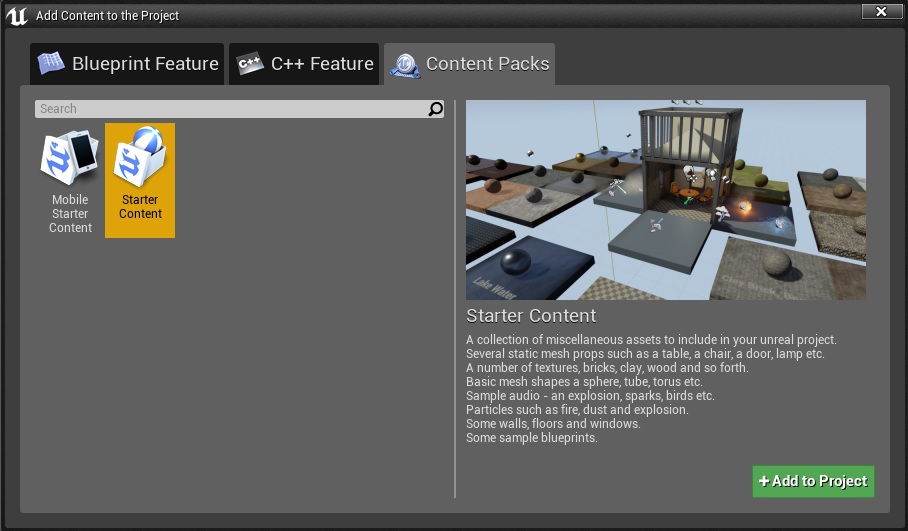
9. Locate the materials folder

10. Open a material and what type it should use
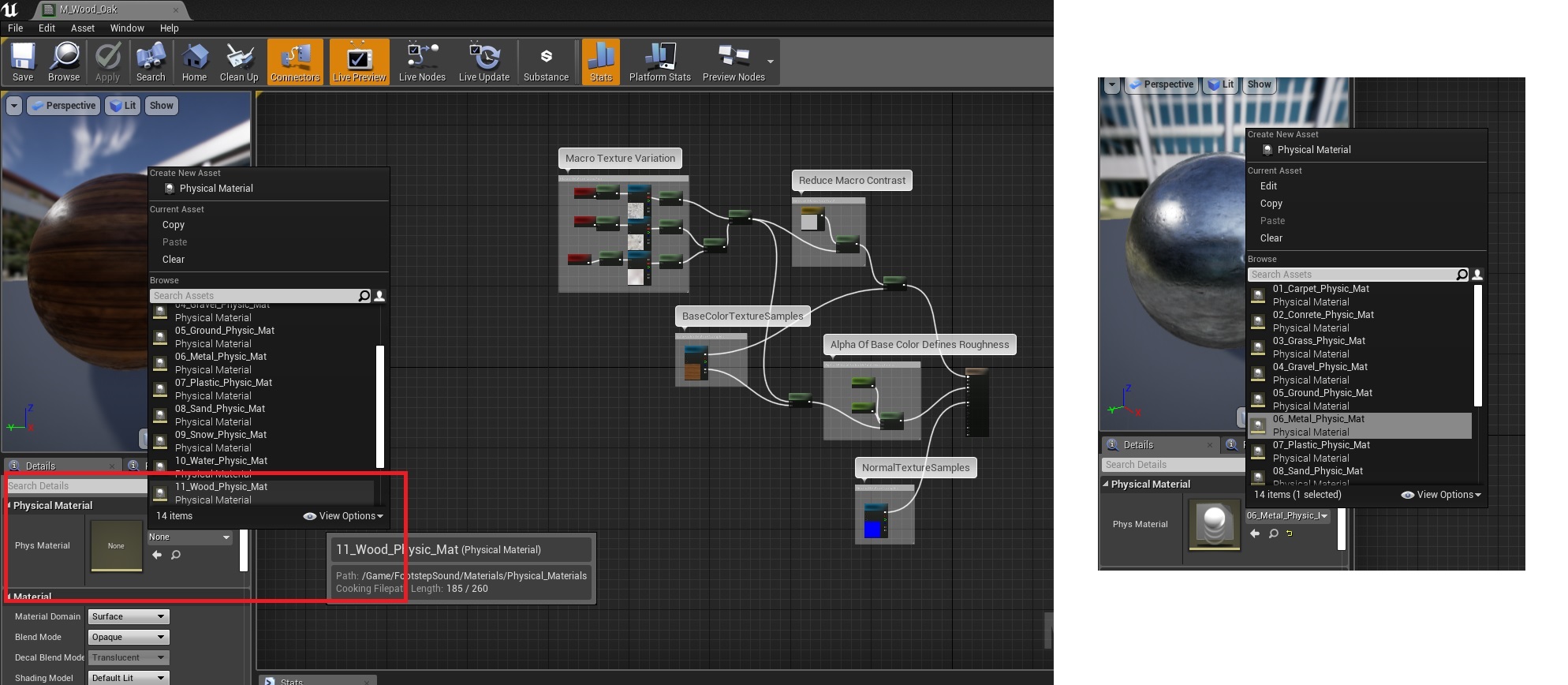
11. Apply materials to your floor meshes
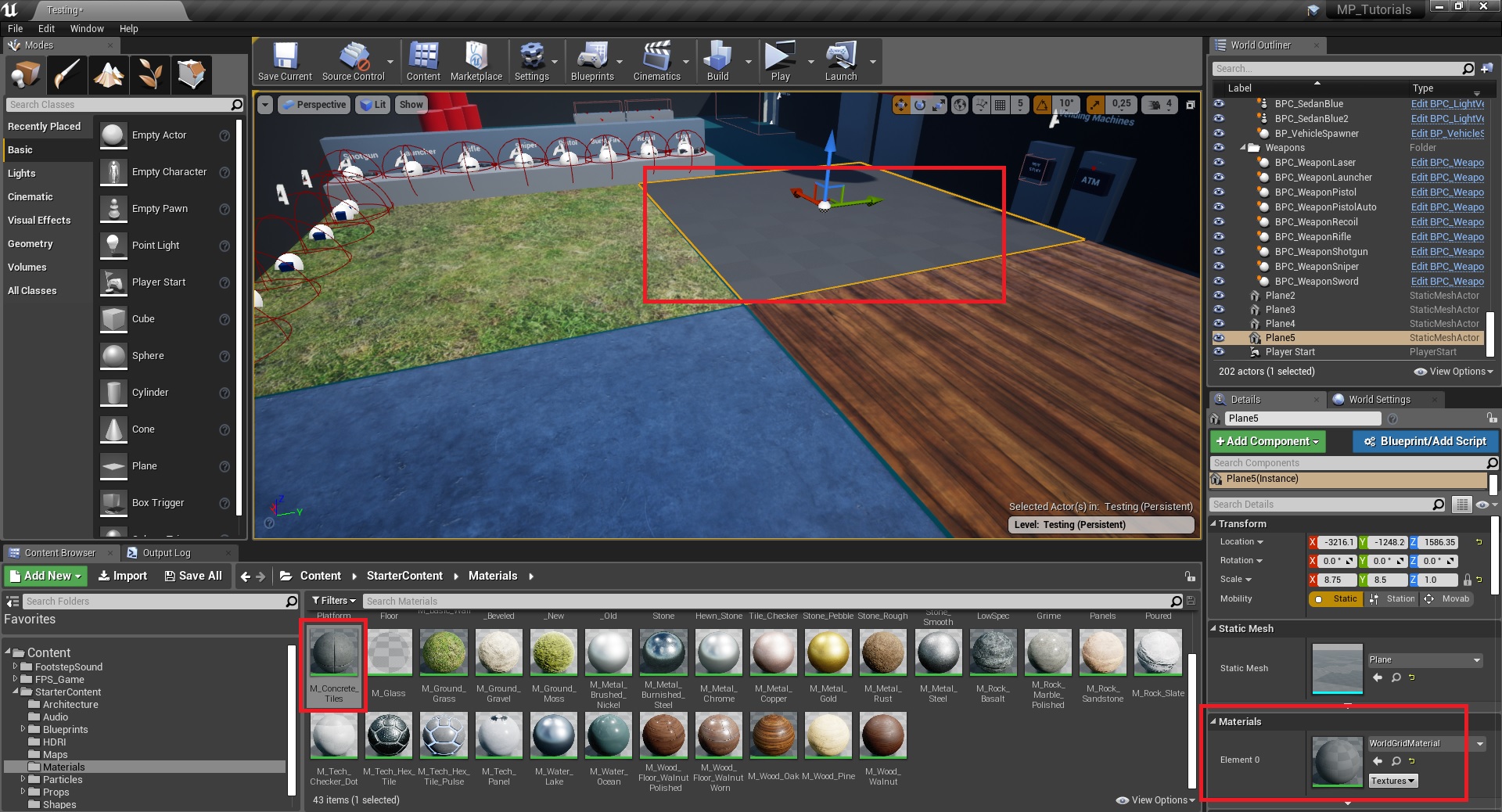
Example:
 FPS Game Starter Kit